Can You Use Regular Lens Wipes on Smart Glasses?
Lens-wipe guidance varies by smart-glasses model and surface; check the exact manufacturer's instructions before choosing a cleaner.
Reviewed
Reviewed
Cleaning liquids, cloths, and application methods are not universal across smart glasses. Check the current instructions for your exact model before choosing a cleaning method.
Conceptual overview
These broad areas help frame a care question. The diagram is conceptual; hardware layout and manufacturer guidance vary by model.
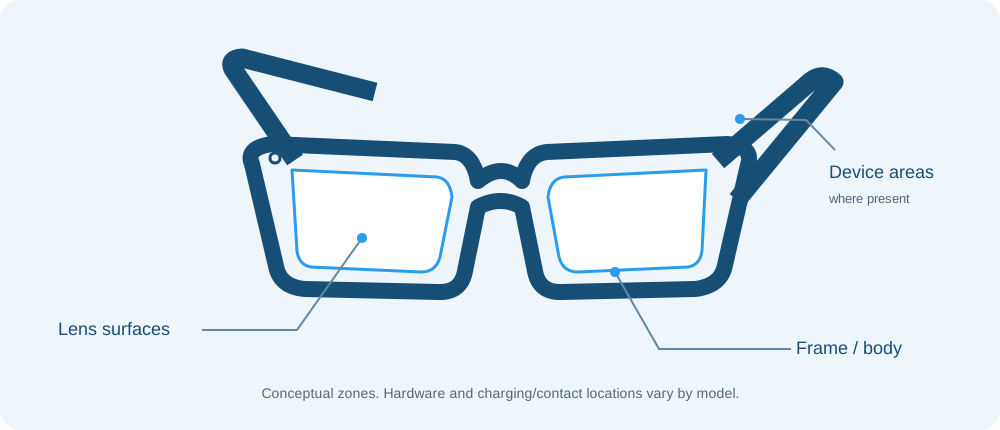
Smart glasses bring optical surfaces together with frames and electronic components. Guidance for one area or model may not apply to another. The listed manufacturer references illustrate different cleaning approaches; they should not be combined into one general recipe.
Before cleaning, identify the exact model and check its current manufacturer instructions. Follow those directions for the permitted materials and how to apply them. Where the instructions support it, begin by gently removing loose debris with a clean, non-abrasive material. Do not assume that a liquid can be applied directly to the glasses or that a method approved for lenses is also appropriate for frames or charging areas.
This overview is general context, not model-specific cleaning advice. The manufacturer’s current instructions take precedence.
Lens-wipe guidance varies by smart-glasses model and surface; check the exact manufacturer's instructions before choosing a cleaner.
Reviewed
Start with the exact model's current care instructions; smart-glasses cleaning methods differ by manufacturer and surface.
Reviewed
Match the marked surface to the exact model's authorized care method; manufacturer sources do not establish one oil-removal method for all devices.
Reviewed