Can You Use Regular Lens Wipes on Smart Glasses?
Lens-wipe guidance varies by smart-glasses model and surface; check the exact manufacturer's instructions before choosing a cleaner.
Reviewed
Reviewed
Identify the exact smart-glasses model and use its current manufacturer care instructions. Guidance can differ between models, including products from the same brand.
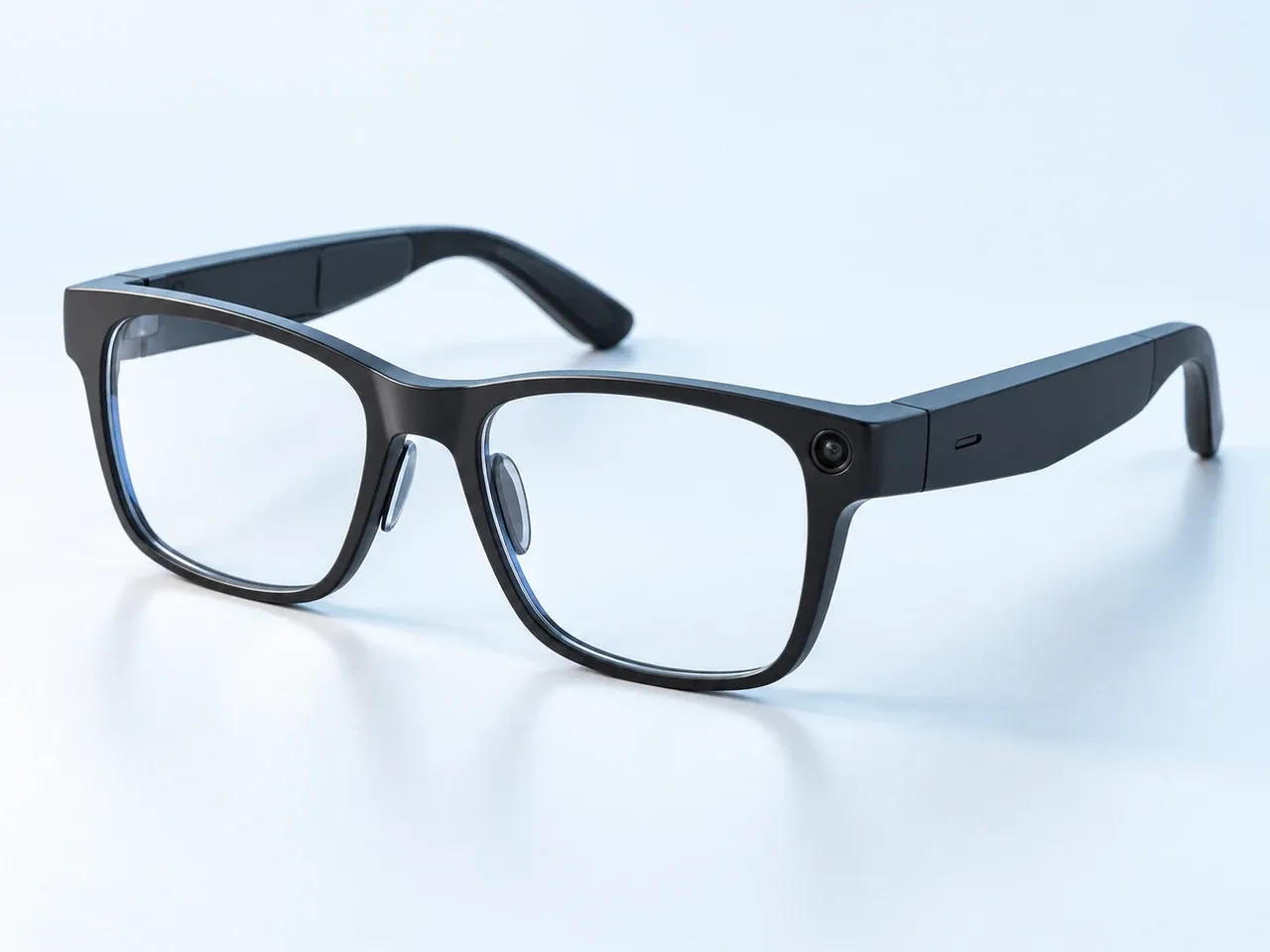
Everyday camera form
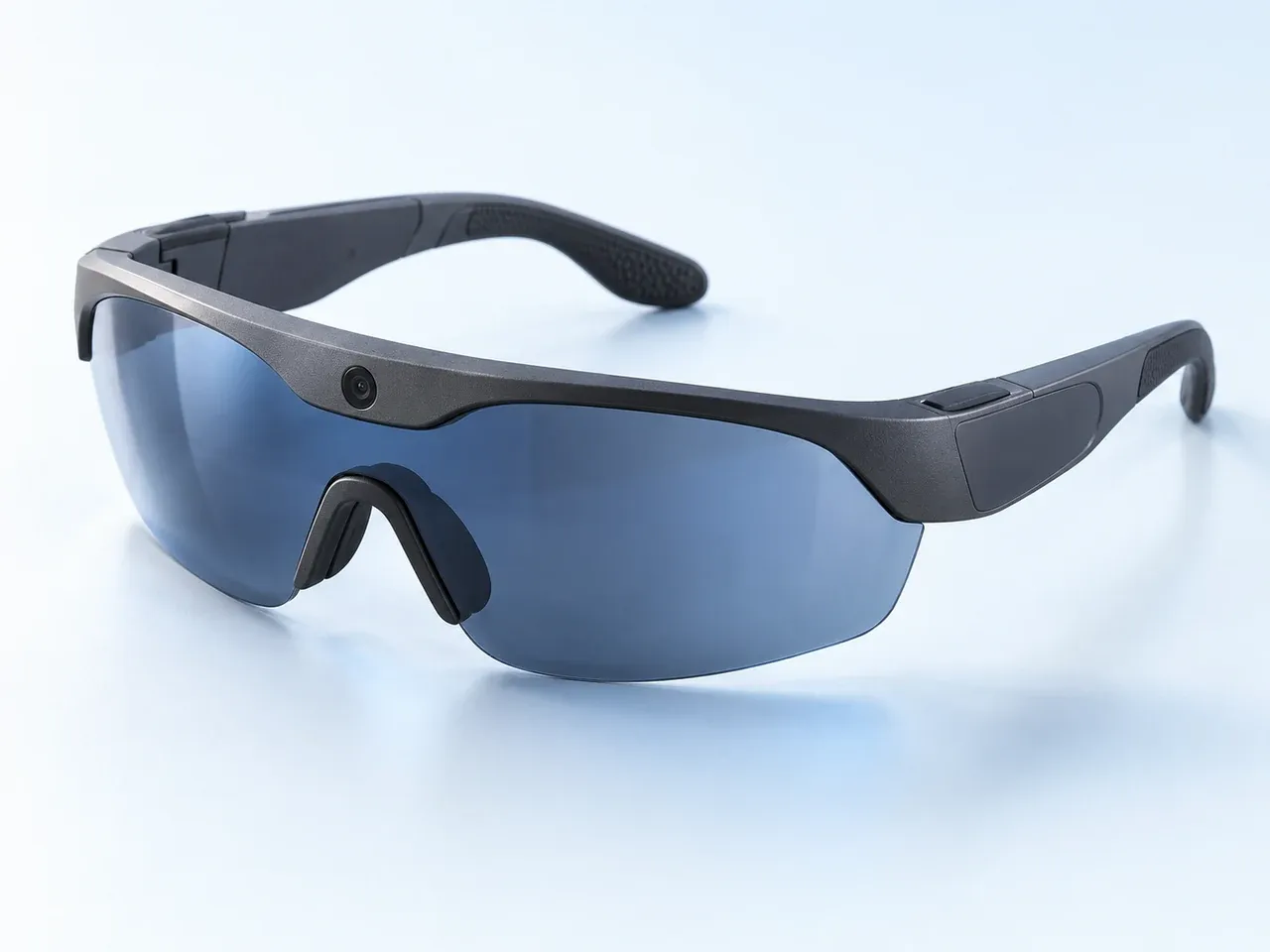
Sport / performance form
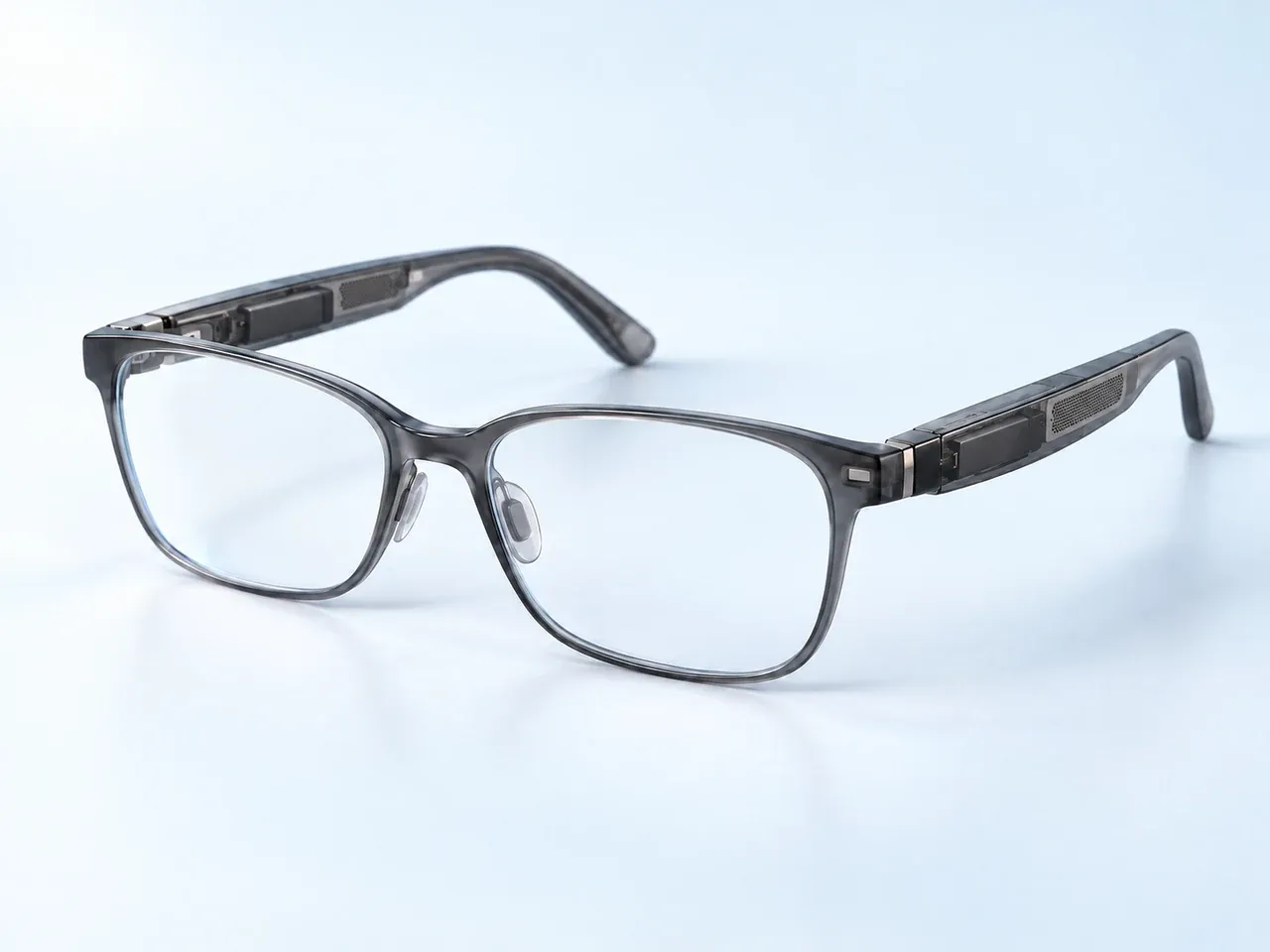
Lightweight smart form
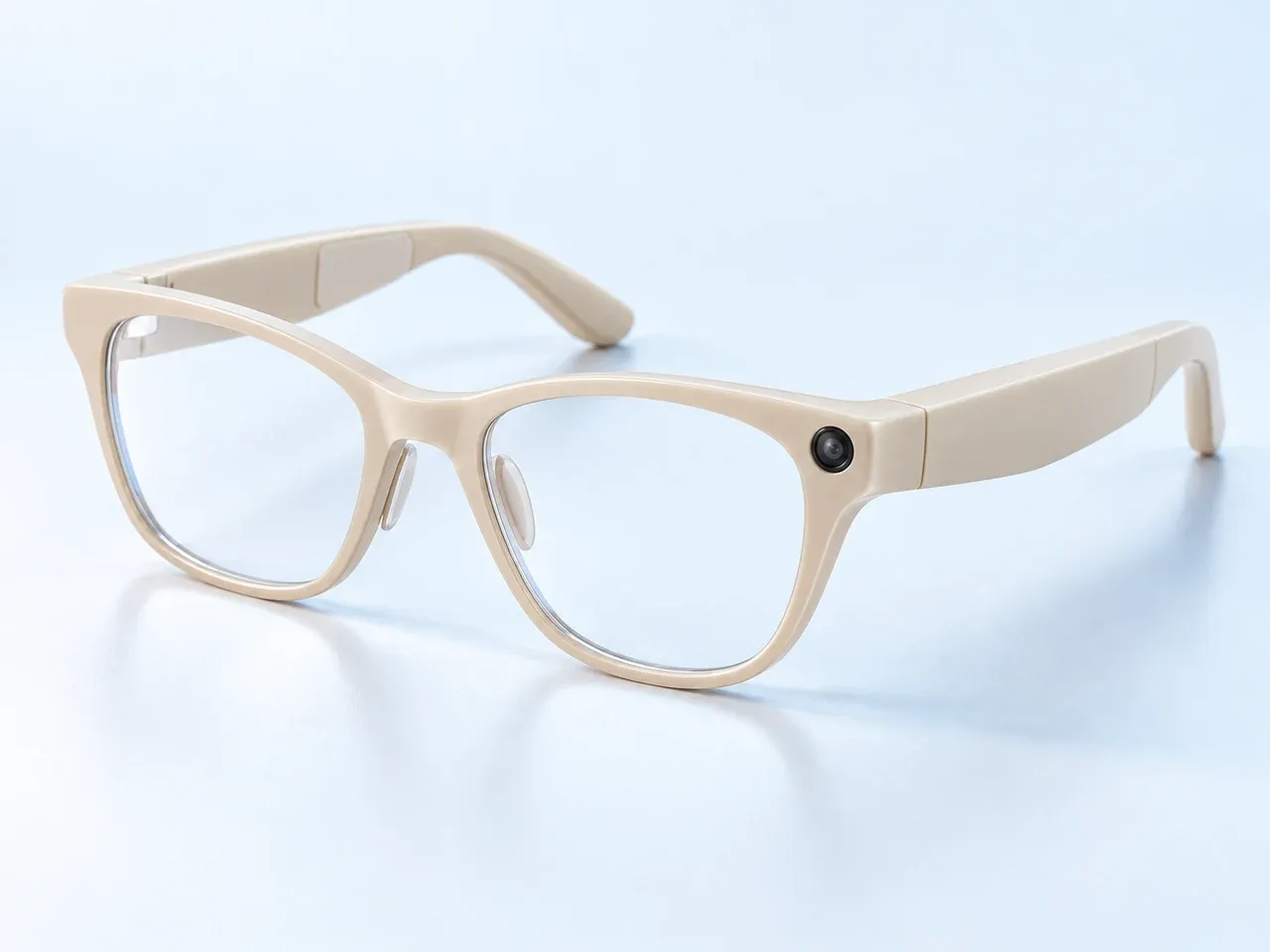
Soft upswept everyday form
Guidance can vary between models, including models from the same manufacturer. This overview does not replace the current instructions for your device.
Start by checking the model name and generation shown by the manufacturer or device settings. Then use that manufacturer’s current care and safety materials for the identified model. Cleaning materials, moisture guidance, and charging precautions can differ across devices.
Differences can exist within one brand. For example, this evidence set includes separate Oakley Meta HSTN and Vanguard materials; guidance for one family should not be assumed to apply to the other. Use the listed source that matches the device, and check for current manufacturer updates before acting.
This page is an evidence-finding overview, not a substitute for model-specific instructions or a set of universal care steps.
Lens-wipe guidance varies by smart-glasses model and surface; check the exact manufacturer's instructions before choosing a cleaner.
Reviewed
Start with the exact model's current care instructions; smart-glasses cleaning methods differ by manufacturer and surface.
Reviewed
Follow the drying and charging instructions for your exact smart-glasses model; manufacturers do not specify one universal waiting time.
Reviewed
Water-resistance and recovery instructions vary by smart-glasses model; use the exact manufacturer's guidance for the exposure.
Reviewed